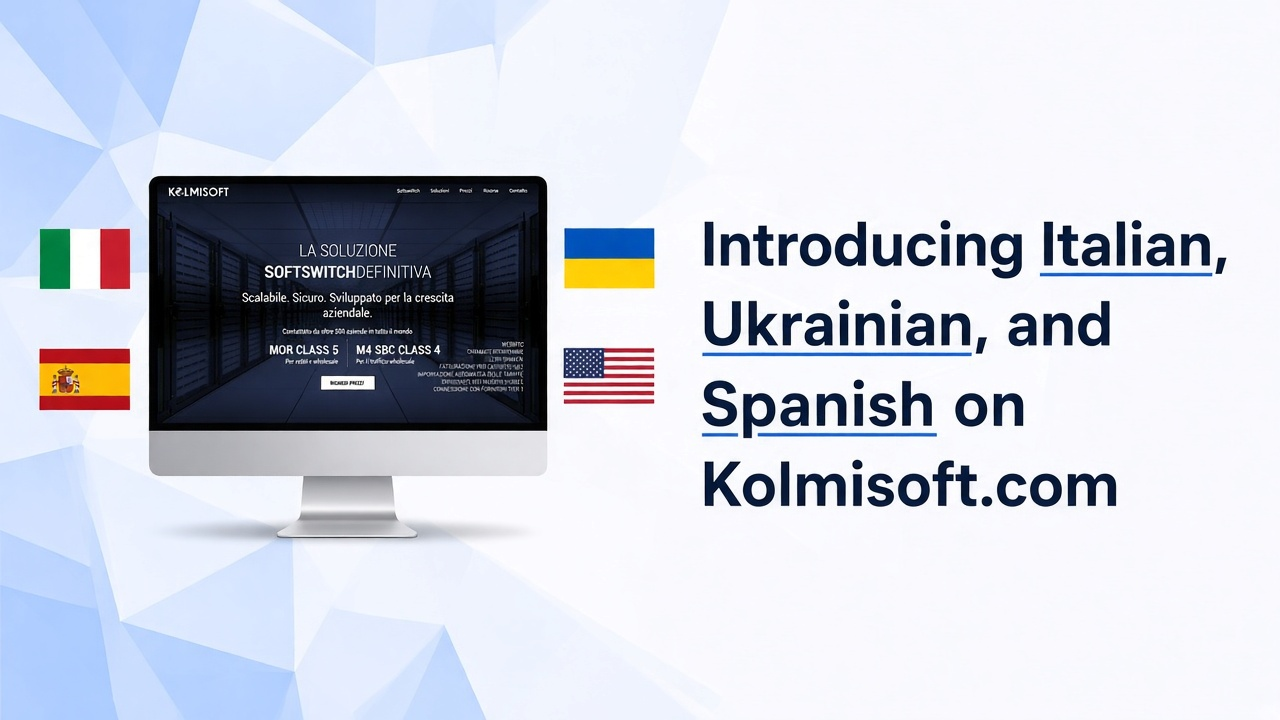
Read Kolmisoft.com in English, Italian, Ukrainian, or Spanish. Choose your language on the homepage, then explore softswitches, pricing, and contact pages the way you already do.
If Italian, Ukrainian, or Spanish is the language you use at work, you should not have to fight through English just to understand what we sell and how to reach us. Kolmisoft.com now speaks those languages alongside English.
You pick a language once on the homepage. From there, product pages, solutions, pricing, and contact follow that choice.
Why it matters
Buying or comparing a softswitch is already a technical decision. Language should not add friction on top.
Operators in Italy, Ukraine, Spain, and Spanish-speaking teams often ask the same first questions in their own language: what MOR and M4 are for, how rent or purchase options work, and who to contact. We added Italian, Ukrainian, and Spanish so those first answers are easier to read before you open a ticket or send a pricing request.
English stays the default. We started with the languages where we already talk to many operators, rather than listing every language on day one.
What you can read in your language
After you switch on the homepage, you can browse the same kinds of pages you use in English:
- Softswitch overview for MOR and M4
- Pricing when you want rent/host or purchase options
- Contact for sales or support
- Solution pages from the menu (WebRTC, Flash Calls, STIR/SHAKEN, automated rate import, and related topics)
Direct links:
This change is about the public website. Your MOR or M4 installation and billing logic do not change when you read the site in another language. The Kolmisoft Blog is still in English for now.
How to switch
- Open www.kolmisoft.com.
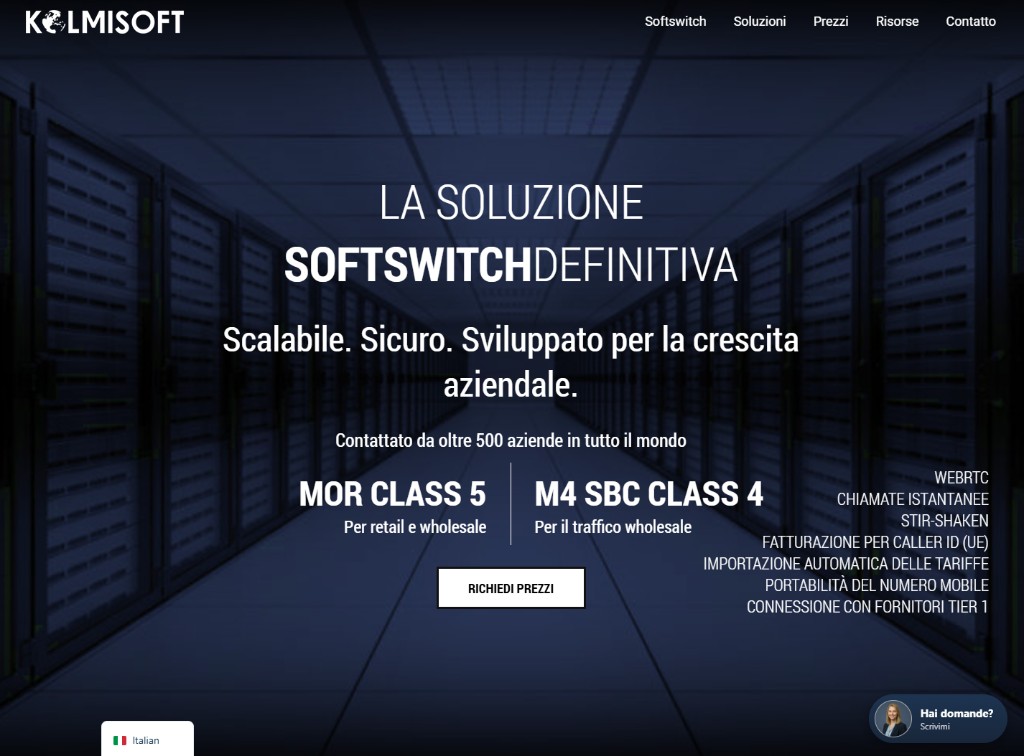
- Use the language selector on the homepage (bottom left). Choose English, Italian, Ukrainian, or Spanish.
- Continue to softswitches, pricing, contact, or solutions.
If your browser language matches one of these, you may see a short question on the first visit. You decide; nothing redirects you without that choice.
Who this helps
Looking at retail VoIP or Class 5 (MOR). Switch language, open softswitches, then request pricing when you care about capacity and commercial options.
Looking at wholesale or Class 4 (M4 SBC). Same idea: switch language, read the M4 story, then pricing when you are ready.
Already a client. Use contact when you need sales or support. Send a colleague the Italian, Ukrainian, or Spanish homepage if that is easier for them than English.
If you want to try the products after reading, start from try Kolmisoft softswitches.
A clearer first conversation
Many deals start with a short browse, then a form or a chat message. When the page is already in the language your team uses, that first message is usually more precise: capacity, retail versus wholesale, rent versus purchase, and what you need from support.
We still answer in English when that works better for you. The point of this launch is choice on the website, not forcing one language into every conversation.
What’s next
We will keep improving wording where telecom terms need a clearer human pass, and we will add more languages only when operators actually use them.
Open kolmisoft.com in Italian, Ukrainian, or Spanish, then go to pricing or softswitches when you want the next step.
Open Kolmisoft.com in your language
Choose Italian, Ukrainian, or Spanish on the homepage, then explore softswitches or pricing.