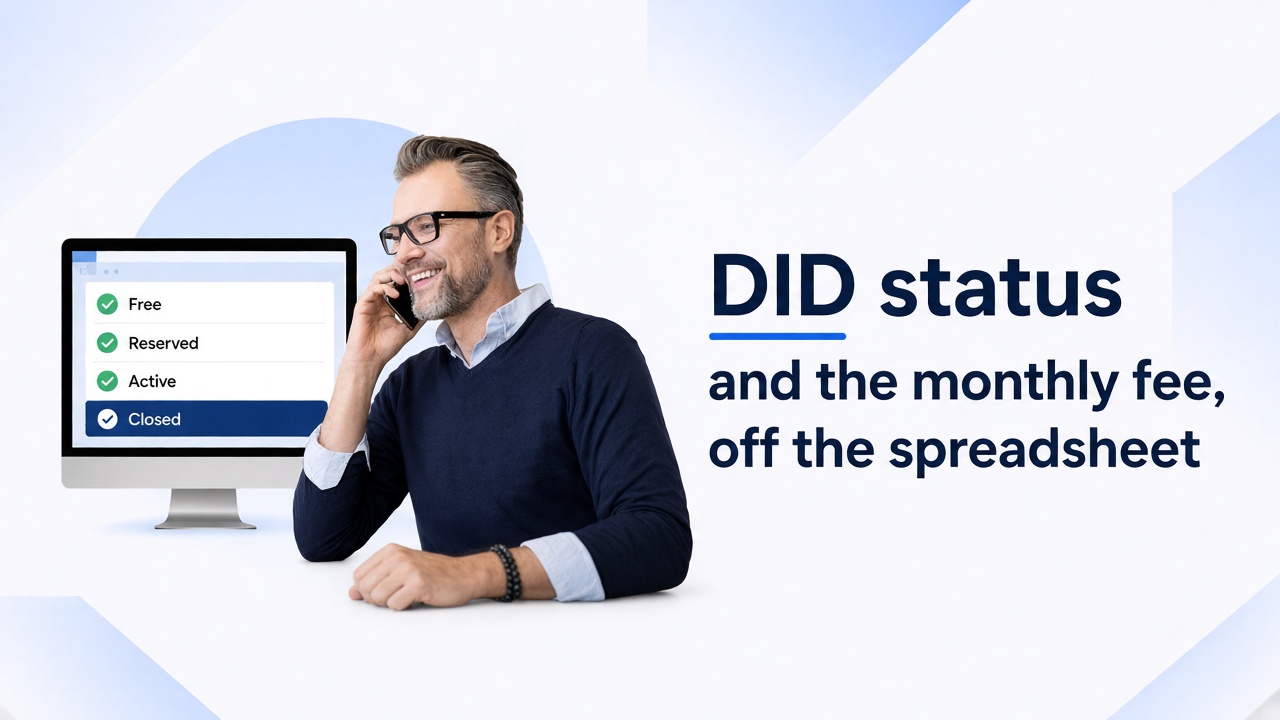
A number can keep ringing after the customer stops paying. The monthly fee can miss the invoice. The only list of who holds the number, which provider sold it, and what it costs each month is a spreadsheet.
This is for the operator who resells numbers to customers or to other operators. MOR is the switch for retail voice, a hosted PBX, and white-label. M4 is the switch for DID forwarding and SIP trunking when the Inbound DIDs add-on is on. Wholesale termination with no numbers to resell is a different job.
The provider still sells you the number. Loading it does not place an order. What leaves the spreadsheet is the stock list: the status, who pays, and the monthly line. A port, and an M4 file import that is still in development, stay outside that list. The sheet can remain an export.
The week the sheet fails
A reseller asks for twenty numbers in one city. The person who kept the sheet is away. The provider still sends the call, so the closed number rings. The monthly fee never lands on an invoice. At month end you cannot point at 37060000001 and say what you kept on it.
The monthly rental is the fee for holding the number. Stop a non-payer before you open call rates.
Stop the ring, then stop the fee
37060000001 is Active on a device. The customer has stopped paying. The subscription is Until canceled. A junior runs two actions, in this order.
On MOR
- Set the DID to Closed. MOR hangs up calls to that number. The number stays out of the free pool for 90 days unless you changed that time. Then MOR sets it back to Free. Set Free or Terminated sooner when you want it back before those 90 days.
- End the subscription. If it stays on Until canceled, the next invoice still charges the fee. Closed does not end the fee.
If the customer pays inside those 90 days, set the number to Free, assign it again, and subscribe the user again. Terminate a DID that has calls when you want it kept as history. MOR refuses a delete on a DID that already has calls.
To hold the same number for that user, stop the DID subscription and reserve it for 90 days, unless you changed that reserve time.
On M4
The 90-day Closed timer is a MOR status. M4 bulk edit can set Free, Reserved, or Archived. Archived is not that timer.
A DID on M4 takes calls only when a subscription is assigned. End the subscription when the customer should stop paying. That removes the condition the switch requires before the DID can take calls. If the balance cannot cover the fee, the charge plan can block the user, suspend the service, or charge the subscription anyway. With those three left off, a loss on the fee is possible.
The other MOR statuses, once the non-payer path is clear
A new DID starts as Free.
| Status | What it means | Next |
|---|---|---|
| Free | Available to reserve or assign | Reserve it, or terminate it |
| Reserved | Held while you negotiate. Not in use | Activate it when they sign, or return it to Free |
| Active | Assigned to a device. Calls can complete | Close it, then end the subscription |
| Closed | MOR hangs up calls | Wait, or set Free or Terminated |
| Terminated | Kept for history | Make it Free if you want it back in stock |
Active from and Active till leave the status as it is. Outside those dates, MOR routes the call as if the DID were missing. Call limit is how many calls that one number can receive at once. 0 means no cap.
The monthly line on the invoice you already send
The DID record has no monthly price of its own. The rental is a service plus a subscription.
- Assign the DID to the user’s device.
- Open SETTINGS → Accounting → Services. Create a periodic fee with period Month. A plain name is “DID price for 1 month”.
- Set price to what the customer pays. Set self-cost to what you pay the provider each month. Example only, so replace the figures: price 4, self-cost 1.
- Open SETTINGS → Accounting → Services → Subscriptions. Subscribe that user. In Memo, write 37060000001 so the invoice names the number.
- The user’s invoice shows the subscription.
Create the service once. For each number, add a subscription and write that DID in the memo. The price stays on the service. When the provider changes the buy fee, edit self-cost, then open one live subscription and confirm the figure the next invoice will use.
A Month service that starts or ends in the middle of the month is priced from the days it was active. On the subscription, Charge balance on can be the start of the period, the end of the period, or every day at price divided by 30. Activation end can be a date or Until canceled.
That DID line sits on the voice invoice with the rest of that customer’s voice charges. The reseller can see the subscription payments of their users. The invoice run for many resellers is covered in white-label hosted PBX on one invoice.
The call, after the rental is safe
One answered inbound call can also carry three DID prices. Open the coins Rates icon.
- Owner rate. Above zero, the user who holds the number pays you. Below zero, you pay them. MOR does not charge them for calling their own DID. If the rate is above zero and the balance cannot cover the call, MOR does not allow the DID to be used.
- Incoming rate. Above zero, a caller MOR recognizes by PIN or ANI pays you. An unrecognized caller pays nothing on this rate.
- Provider rate. Above zero, the provider pays you. Below zero, you pay the provider. On a number you bought, the call cost is the negative rate.
Finances → Profit shows DID owner profit and subtracts the provider amount from total call self price. A provider rate left at zero hides that cost.
On a reseller DID, the end user pays the Owner rate and the reseller pays admin a separate Reseller rate. The two charges are independent. The user’s payment is not added to the reseller’s balance. That article’s worked pair is an Owner rate of 3 and a Reseller rate of 2, and the 3 does not land on the reseller balance. Read it in DID billing for MOR resellers. Stop a non-payer with the steps above. Open that article when you set the wholesale.
M4, when the rental is a pricing group
Use this block when you forward DIDs or sell SIP trunks and the Inbound DIDs add-on is on. The call can go to the customer’s PBX by IP, or out to another number.
Buying pricing group (Routing → DIDs → Buying Pricing Groups) is what admin pays the provider: an activation fee when the DID is activated, a periodic fee on the charge plan’s period, and a tariff that rates the call from the caller-ID prefix.
Selling pricing group (Routing → DIDs → Selling Pricing Groups) is what the user pays. Add an amount on top of the buying fee, or a markup percent of it. Overwrite set to yes lets you type the selling fee. Example only: buying periodic fee 2 and a 50 percent markup, so the customer pays 3 per period. Use your own fee.
A charge plan (Accounting → Subscriptions → Charge Plans) sets the period. One month bills every month until you cancel. Name visible to end user is the wording on the invoice. Create and activate for user starts the subscription from the selling group or from a selected charge plan. That subscription is what the DID needs before it can take calls.
Tags (Routing → DIDs → Tags) label a batch so you can filter it later.
What you still do at the provider
Buy the number there. Store it in E.164. MOR requires that format on every DID. On the provider’s site, point the number at your server. That route stays on their side.
Then create the row.
MOR, on screen. SETTINGS → Billing → DIDs, then New DID. The provider field labels who sold the number. Create that provider if it is missing. If the provider sends from several addresses, any one of its provider records is enough on the DID.
MOR, from a file or from your own system. Since MOR X10, admin, a reseller allowed to create DIDs, or an accountant with DID permission can import a CSV. The file needs a DID and a provider id. A simple reseller can omit the provider id. A header can carry Owner rate, Incoming rate, and Provider rate. The import flags duplicates and unknown providers before it writes, and a device id assigns the DID. did_create writes a number and a provider id you send. A reseller may omit the provider id. Neither path buys the number.
M4, on screen. Routing → DIDs. Set the vendor, the buying group, the selling group, the tags, and the customer. Use Create and activate for user when the subscription should start and the number should take calls.
M4, from a file. CSV import is marked in the development stage. The file needs a DID. A customer on the row sets the DID to Reserved. With no customer, the status is Free. Tags go in as database ids. Add the numbers on the screen until you have tested that importer on a copy of the system.
Finish a port-in or a port-out with the carrier. Then load the number the same way as any other DID you hold.
What the junior checks each month
MOR status. STATISTICS → Various → DIDs → Usage lists status and actions for the period you pick.
MOR fees. Match each memo to a DID. An Active rental needs a live subscription. A Closed non-payer needs that subscription ended. After a buy-fee change, confirm self-cost on one live subscription.
MOR calls. In Finances → Profit, read DID owner profit and the provider amount subtracted from call self price.
M4 fees. Compare the buying periodic fee with the selling markup on the groups those numbers use. See whether a short balance blocked the user or suspended the service. Filter the inventory, then export.
FAQ
Does closing a number stop the monthly fee?
On MOR, Closed hangs up the calls. End the subscription to stop the fee. On M4, end the subscription so the DID no longer has the subscription it needs before it can take calls, and use the charge plan when the balance cannot cover the fee.
Can the switch order numbers from the provider?
You buy the number, point it at your server, and create the DID. did_create and CSV import write numbers you supply.
Where does a port fit?
Finish port-in or port-out with the carrier. Then load the number as stock you hold.
A pilot on the invoice you already send
Billing uses the status, the subscription, and the buy and sell figures. Keep a spreadsheet export if you want a copy.
Reply with how many numbers you run and where you buy them. The pilot uses those numbers and the voice invoice you already send for them. If a reseller is on that bill, the pilot includes that reseller’s lines.
Show this on a pilot with your own DIDs
Reply with how many numbers you run and where you buy them. The pilot uses those numbers and the voice invoice you already send. If a reseller is on that bill, the pilot includes that reseller's lines.