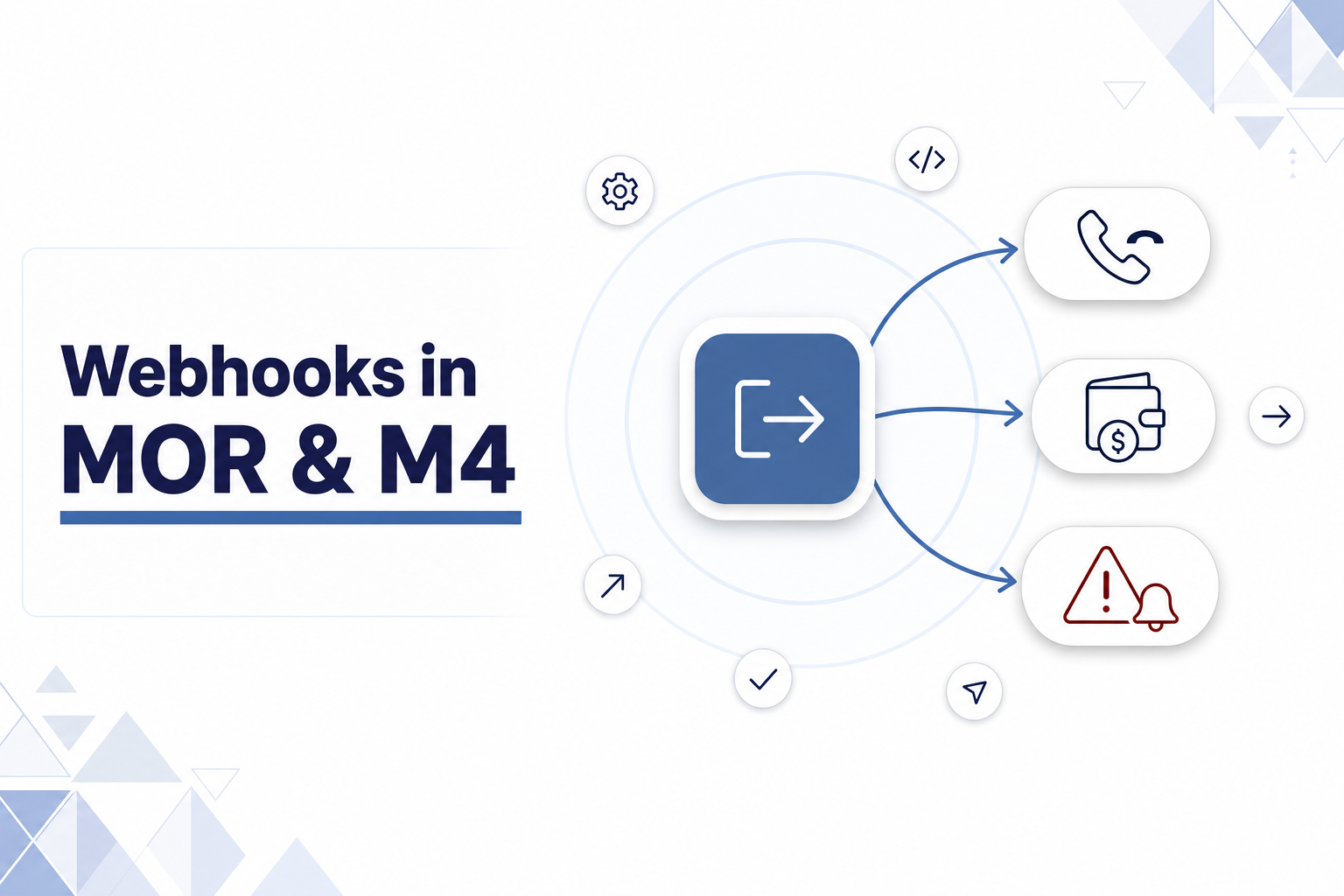
Your softswitch can now push events to your own systems the moment they happen, so you stop polling the API and start reacting to calls, balances, and alerts in real time.
If you run a VoIP operation on MOR or M4, most of your automation works one way: your scripts ask the switch for data. You poll the API for new call records, you query balances on a schedule, you check dashboards for traffic spikes. That model wastes requests, adds lag, and means you learn about a problem only after it has cost you money.
Webhooks flip the direction. MOR and M4 send an outbound HTTP POST to a URL you control the moment an event fires, so your billing system, CRM, monitoring stack, or fraud tooling receives it without asking. This post covers the three webhook types available today, what each sends, and how to enable them.
What webhooks are and who they are for
A webhook is an HTTP request your switch makes to your endpoint when something happens. You give MOR or M4 a URL, and when the matching event occurs, the platform POSTs the event data to that URL. Your server receives it and does whatever you need: writes a record, updates a customer, raises a ticket, throttles a route.
This is for the operator who already integrates Kolmisoft with other software and wants those integrations to react faster. If you sync call detail records into an external billing or analytics system, watch customer balances, or run monitoring and anti-fraud logic, webhooks remove the polling layer between the event and your response.
Three event types are available:
| Webhook | Product | Fires when | Delivery format |
|---|---|---|---|
| Call End | MOR | A call completes on a device that has a webhook URL set | POST, empty body, data in the query string |
| Warning Balance | MOR | A user’s balance drops below the admin warning threshold | POST, empty body, URL built from a template |
| Alert / Clear | MOR and M4 | An alert is raised or cleared, and the matching notify option is on | POST, JSON body |
Why we built it
Polling has three costs that grow with your traffic.
The first is lag. If you pull new CDRs every minute, every record you act on is up to a minute stale. For balance checks on a slower schedule, a prepaid customer can keep dialing well past zero before your script notices.
The second is wasted work. Most polls return nothing new. You pay for the request, the database read, and the parsing anyway, and you do it again seconds later.
The third is missed signals. Traffic anomalies, ASR drops, and fraud patterns are easiest to stop in the minutes they start. A dashboard nobody is watching at 3 a.m. does not stop them.
Webhooks address all three. The switch tells you when something real happens, you spend a request only when there is something to handle, and time-sensitive events reach your tooling while you can still act on them.
How it works
Every webhook follows the same shape. You configure a URL, an event occurs, and MOR or M4 sends an HTTP POST to that URL. The two delivery formats differ in where the data lives.
Query-string webhooks (Call End and Warning Balance) POST with an empty body and append the event data to your URL as query parameters. Your server reads the parameters and decodes them.
JSON webhooks (Alerts) POST a JSON object with Content-Type: application/json. Your server parses the body.
One detail to plan for on the query-string format: values are URL-encoded. The calltime field is an ISO 8601 timestamp such as 2026-06-11T13:36:03.000+00:00, so colons arrive as %3A and the UTC offset + arrives as %2B. Decode query parameters with your platform’s standard helper (urllib.parse.parse_qs in Python, urldecode in PHP, or your framework’s request object) rather than reading the raw string as a timestamp.
The three webhooks in detail
Call End: stream every completed call
Set a Webhook URL for Call End on a device (Device edit, Advanced), or set it on the Default Device so new devices inherit it. You can also write the field over the legacy API with MOR API device update using the webhook_url_for_call_end parameter; an empty value clears it.
When a call on that device completes, MOR sends the call data as query parameters: user_id, device_id, calltime, src, dst, hangupcause, billsec, call_price, balance_at_the_end_of_call, and currency. That payload is sufficient to push a CDR to an external billing or reporting system when each call ends.
A few rules worth knowing before you rely on it:
- MOR checks for newly completed calls about every 10 seconds, so expect up to a 10-second delay rather than instant delivery at hangup.
- Only the source device’s webhook URL is used, not the destination device’s.
- On first use, delivery starts from the newest call. Historical calls are not replayed.
- After a restart, MOR resumes from the last call it delivered, so you do not lose or duplicate records.
If your base URL already carries a query parameter such as an API key, MOR merges the call parameters with & and keeps a single?, so your authentication token survives.
Warning Balance: act before a customer goes negative
The Warning Balance webhook fires when a user’s balance drops below the admin warning threshold, the same condition that sends the admin warning email. Enable it in User Details: set Active to On, set the threshold, check the Admin Webhook, and add the URL.
This webhook is not tied to email. You can run it on its own with email notifications off. The URL is a template, so MOR substitutes email variables the same way it does in email bodies. A configured URL like:
https://example.com/warning?user=<%= username %>&balance=<%= balance %>¤cy=<%= currency %>renders and POSTs as:
https://example.com/warning?user=john&balance=4.50¤cy=USDCommon variables include username, balance, nice_balance, currency, and user_id. Warning Balance checks run on an hourly schedule, so delivery can lag after the balance crosses the line. Use it to trigger a top-up reminder, flag the account in your CRM, or kick off a dunning flow.
Alert / Clear: route monitoring signals into your stack
Alert webhooks work on both MOR and M4, and they carry a JSON body. They build on the Monitorings Addon and the Alerts feature, which already watch parameters like ASR, ACD, simultaneous calls, price sum, and hangup-cause rates.
Set a Webhook URL on each alert contact, group those contacts, and on the alert pick the Group to Notify, then turn on Notify On Alert via Webhook and Notify On Clear via Webhook. When the alert is raised or cleared, MOR or M4 POSTs a JSON payload to every contact in the group with a webhook URL set.
The payload tells your tooling what happened and to what:
{
  "type": "ALERT",
  "group_id": 12,
  "alert_id": 42,
  "alert_name": "Test",
  "object_id": 123,
  "object_name": "Example OP",
  "cause": "CALLS TOTAL",
  "value": 150.0,
  "count": 150,
  "timestamp": "2026-02-26 12:34:56"
}
The type field is ALERT or CLEAR, so you can open and close incidents automatically. Feed it into Slack, PagerDuty, your NOC dashboard, or a fraud-scoring service, and your team sees a problem and its resolution without logging into the switch.
Getting started
Pick the event you most want to stop polling for, then:
- Set up an HTTPS endpoint that accepts POST requests and responds quickly. URLs must start with
http://orhttps://. - For Call End: set the webhook URL on the device or Default Device, and decode the query parameters (mind the URL-encoded
calltime). - For Warning Balance: enable Active and Admin Webhook on the user, set the threshold, and build your URL template with the variables you need.
- For Alerts: set webhook URLs for your alert contacts, assign them to a group, and enable the notify options on the alert.
- Trigger a test event and confirm your endpoint logs the request.
What’s next
Webhooks are the push side of integration. The pull side, the MOR API, still backfills history and lets you write changes back, and the two work well together: webhooks tell you when to act, the API gives you the full record when you need it.
If there is an event you want to push that is not covered yet, that kind of request is how most Kolmisoft features get built. Tell us what you need.
Summary
| Webhook | Product | Trigger | Body | Best for |
|---|---|---|---|---|
| Call End | MOR | Call completes on a device with a webhook URL | Empty, query string | Real-time CDR export to billing or analytics |
| Warning Balance | MOR | Balance drops below admin threshold | Empty, templated URL | Top-up reminders, credit control, dunning |
| Alert / Clear | MOR, M4 | Alert raised or cleared | JSON | Monitoring, NOC alerting, fraud response |
The full field reference, encoding notes, and configuration paths live in the Webhooks documentation on the Kolmisoft wiki. Read it, point a test endpoint at your switch, and move one of your polling jobs over to push.